This online utility reduces the size of a GIF file. You can make an animation lighter by removing periodic or selected frames, turning repeated areas between frames into transparent pixels, and changing how densely colors are sampled while the GIF is rebuilt. You can combine several reducing methods at once and preview the reduced-size GIF next to the original animation before downloading. Created by GIF experts from team Browserling.
This online utility reduces the size of a GIF file. You can make an animation lighter by removing periodic or selected frames, turning repeated areas between frames into transparent pixels, and changing how densely colors are sampled while the GIF is rebuilt. You can combine several reducing methods at once and preview the reduced-size GIF next to the original animation before downloading. Created by GIF experts from team Browserling.
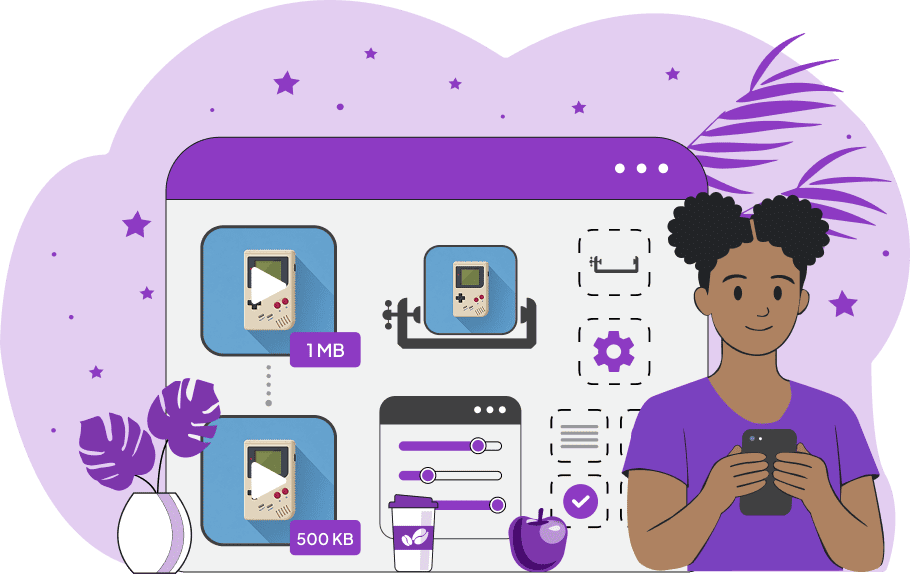
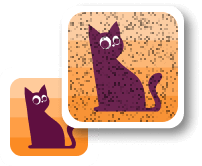
This is a browser-based program that reduces the size of the GIF file. It is useful when your GIF is too large to upload, attach to an email, post on a website, or share in an app with a file-size limit. Instead of converting the animation to another format, the tool keeps it as a GIF and reduces the amount of data inside it. If the animation has more frames than it needs, you can remove every second, third, fourth, or nth frame, starting from any frame number. You can also enter an exact list of frames or a frame range when only certain moments should be removed. This file-size reduction method is very effective because GIF animations store visual data frame by frame, and fewer frames mean there is less image data to encode. The player keeps the animation timing balanced by stretching the delays of the remaining frames, so the reduced GIF plays for the same total duration. If you want to keep all frames, you can reduce the size through frame-to-frame pixel reuse. Many GIFs have backgrounds or areas that barely change. This tool can replace similar repeated pixels with transparency, so those parts do not have to be stored again in each frame. The match percentage controls how similar pixels must be to be reused this way. A value between 1% and 5% usually gives a good balance between smaller size and clean image quality. Higher values may create rougher details or visible artifacts. Another way to reduce GIF file size is to change the quantizer radius. This value tells the GIF encoder how carefully to sample pixels when rebuilding the GIF colors. Smaller values usually keep colors closer to the original, but the file may stay larger. Larger values can make the GIF smaller, but fine color details and gradients may become less accurate. A value around 5 to 10 is usually a good starting point. The preview panel lets you compare the input and output animations as you adjust the settings, and the exact reduced GIF size becomes available when you download the result. Gifabulous!
This is a browser-based program that reduces the size of the GIF file. It is useful when your GIF is too large to upload, attach to an email, post on a website, or share in an app with a file-size limit. Instead of converting the animation to another format, the tool keeps it as a GIF and reduces the amount of data inside it. If the animation has more frames than it needs, you can remove every second, third, fourth, or nth frame, starting from any frame number. You can also enter an exact list of frames or a frame range when only certain moments should be removed. This file-size reduction method is very effective because GIF animations store visual data frame by frame, and fewer frames mean there is less image data to encode. The player keeps the animation timing balanced by stretching the delays of the remaining frames, so the reduced GIF plays for the same total duration. If you want to keep all frames, you can reduce the size through frame-to-frame pixel reuse. Many GIFs have backgrounds or areas that barely change. This tool can replace similar repeated pixels with transparency, so those parts do not have to be stored again in each frame. The match percentage controls how similar pixels must be to be reused this way. A value between 1% and 5% usually gives a good balance between smaller size and clean image quality. Higher values may create rougher details or visible artifacts. Another way to reduce GIF file size is to change the quantizer radius. This value tells the GIF encoder how carefully to sample pixels when rebuilding the GIF colors. Smaller values usually keep colors closer to the original, but the file may stay larger. Larger values can make the GIF smaller, but fine color details and gradients may become less accurate. A value around 5 to 10 is usually a good starting point. The preview panel lets you compare the input and output animations as you adjust the settings, and the exact reduced GIF size becomes available when you download the result. Gifabulous!
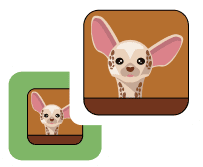
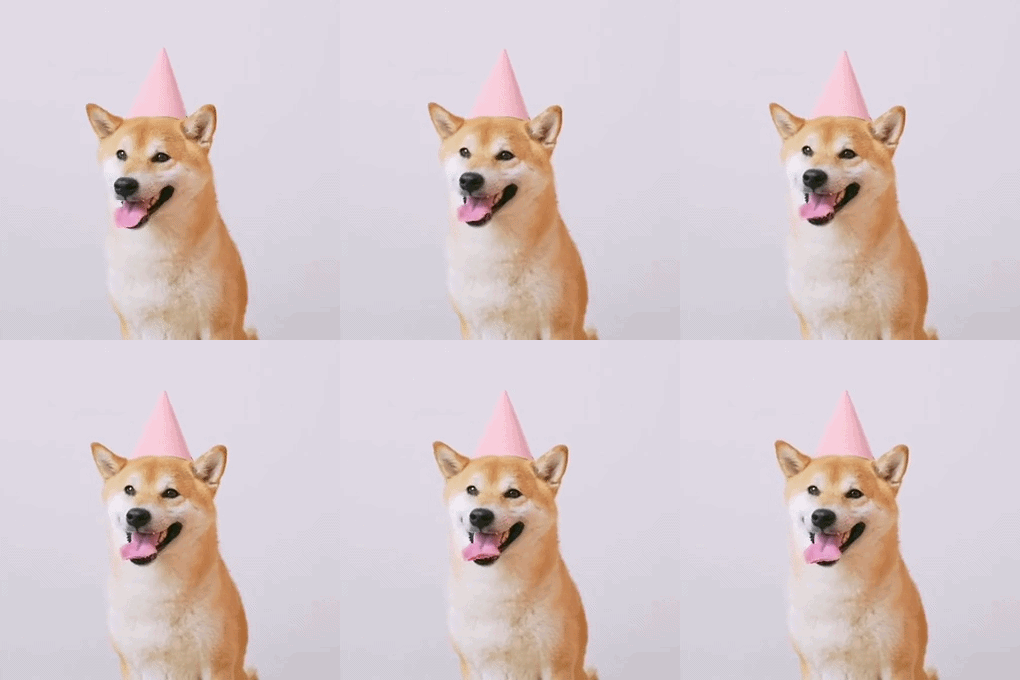
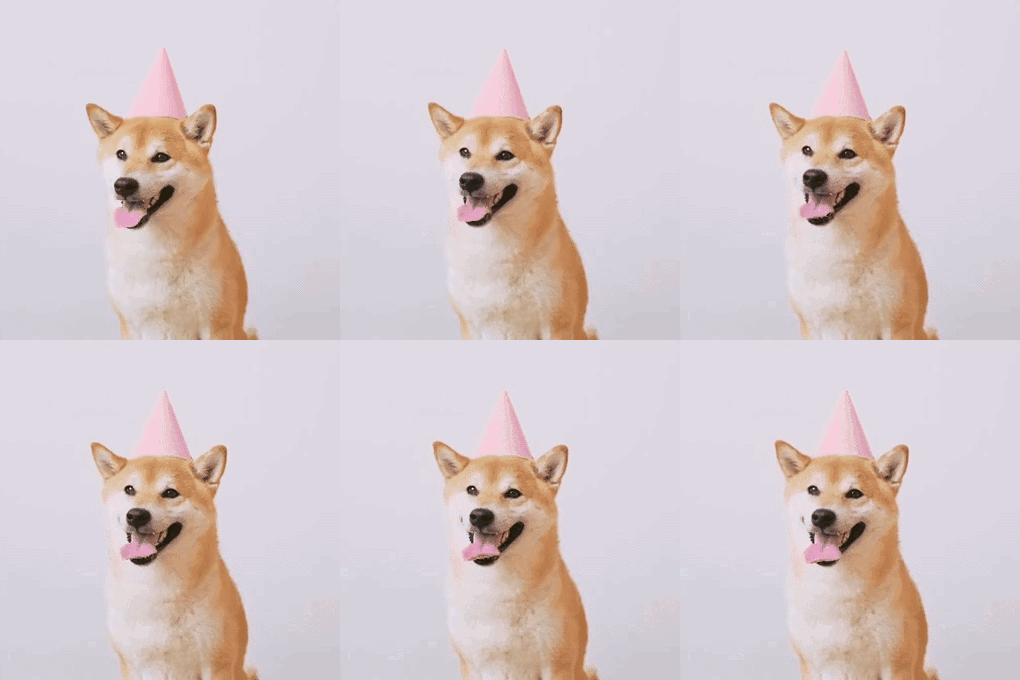
In this example, we reduce the file size of a dog GIF by using the "Reuse Similar Pixels" method with the pixel match set to 2%. This setting finds the still background pixels around the dog and reuses them from frame to frame. As a result, the first frame contains the complete scene, while the subsequent frames primarily store the parts that actually change. This saves GIF data, reducing the file size from 365kb to 279kb, which is about 24% smaller. (Source: Pexels.)
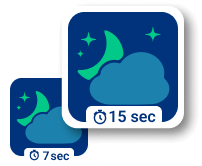
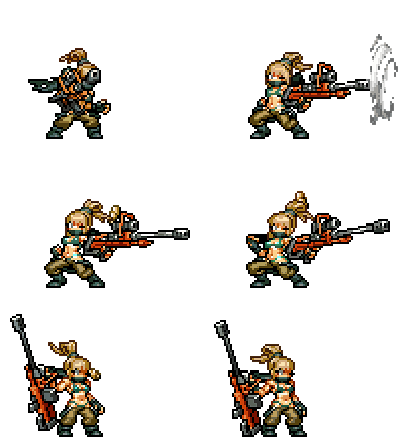
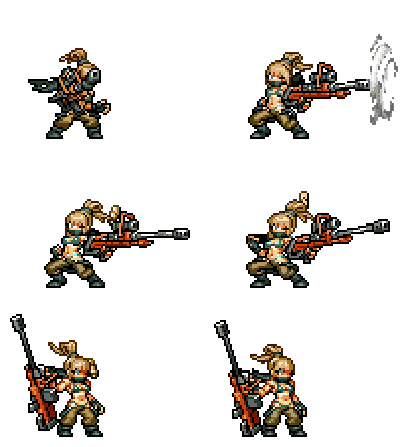
In this example, we reduce the file size of a Dragunov sprite GIF. This animation already has a transparent background and a fairly small file size at the input. To make it smaller, we remove every even-numbered frame, starting with frame 2. This keeps the total duration the same and slightly lowers the fps. Additionally, we enable color sampling and set the sampling interval to 10%. Together, these settings reduce the file size from 193kb to 90kb, which is a 53.4% reduction. (Source: SNK.)
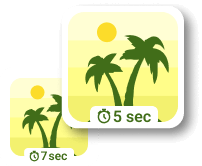
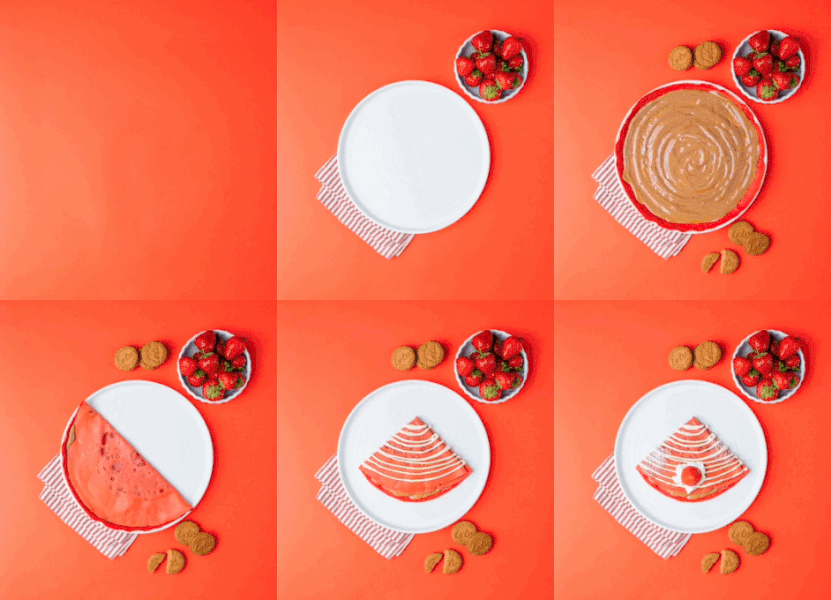
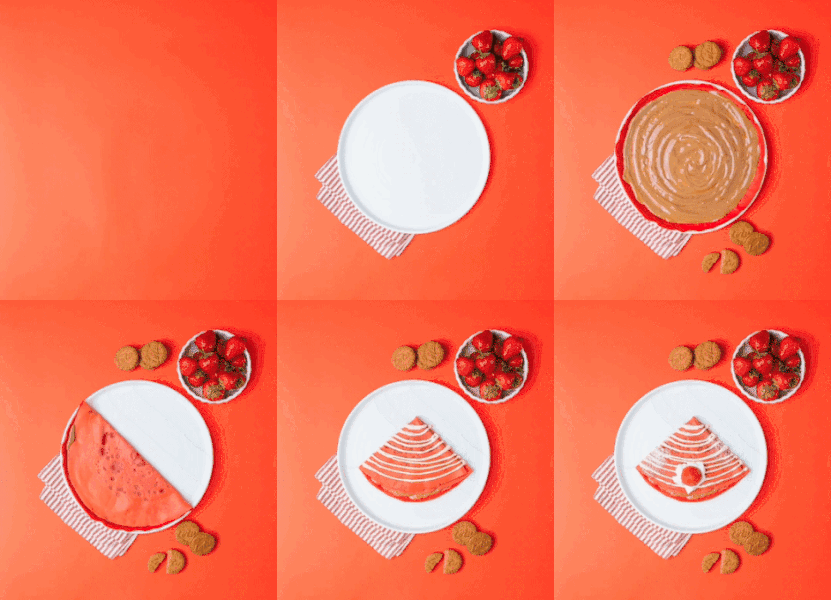
In this example, we make a crepe GIF smaller without removing any animation frames. We enable "Reuse Similar Pixels" with a 3% pixel match, which lets the GIF redraw only the areas that change in each frame and reuse pixels from previous frames wherever the scene stays the same. We also enable "Adjust Color Sampling" and set the sampling interval to 10%, which changes how densely the GIF encoder samples colors while rebuilding the animation. With both methods active, the GIF file size on disk is reduced from 573 KB to 197 KB (saving 65.6% of disk space). (Source: Pexels.)
Create animated GIFs in your browser.
Change the order of frames in a GIF animation.
Insert one or more frames in a GIF animation.
Decrease the size of a GIF.
Add an audio track to a GIF.
Cross-fade a GIF frame by frame.
Cross-fade two GIF animations.
Smoothly transform one GIF into another GIF.
Change the delay between all GIF frames to the same value.
Change the framerate of a GIF.
Increase the width and height of a GIF.
Decrease the width and height of a GIF.
Create a chess game animation from a PGN file.
Create a go game animation from a SGF file.
Create a draughts/checkers game animation from a PDN file.
Generate a GIF animation of winning a Solitaire game.
Create a GIF animation of Game of Life.
Base64-encode a GIF.
Base64-decode a GIF.
Base58-encode a GIF.
Base58-decode a GIF.
Convert a sequential GIF to progressive GIF.
Convert a progressive GIF to a sequential GIF.
Convert an animated PNG to an animated GIF.
Convert an animated GIF to an animated PNG.
Convert an animated PNG to an animated GIF.
Convert a GIF animation to an AV1 animation (AVIF).
Convert an AV1 animation (AVIF) to a GIF animation.
Convert a GIF animation to a HEIF animation.
Convert a HEIF animation to a GIF animation.
Export a GIF animation to a BPG animation.
Convert an animated BPG to an animated GIF.
Convert a GIF animation to an AVI video.
Convert an AVI video to a GIF animation.
Convert a GIF animation to a WMV video.
Convert a WMV video to a GIF animation.
Convert a GIF animation to an MP4 video.
Convert an MP4 video to a GIF animation.
Convert a GIF animation to an MKV video.
Convert an MKV video to a GIF animation.
Convert a GIF animation to a MOV video.
Convert a MOV video to a GIF animation.
Convert a GIF animation to GIF video (GIFV).
Convert a GIF video (GIFV) to a GIF animation.
Create a Data URI from a GIF animation.
Reconstruct a GIF from a Data URI.
Draw one or more GIF frames as ASCII art.
Create an animation from multiple ASCII art drawings.
Draw one or more GIF frames as ANSI art.
Create an animation from multiple ANSI art drawings.
Draw one or more GIF frames using Unicode glyphs.
Create a GIF from multiple Unicode drawings.
Draw one or more GIF frames using Braille characters.
Create a GIF animation from Braille characters.
Replace one color in a GIF with another.
Convert all colors in a GIF to just two black and white.
Find the color palette used in a GIF.
Find the color index used in a GIF.
Randomly change the color indexes of a GIF.
Create a GIF with more than 256 colors.
Convert a 256-color GIF to a 2-color GIF.
Convert a non-dithered GIF to a dithered GIF.
Merge dithered pixels and create a non-dithered GIF.
Change the delay interval between individual GIF frames.
Split a GIF into two or more GIFs.
Join two or more GIFs into a single GIF.
Shift GIF frames to the right or to the left.
Hide the selected area in a GIF by drawing a block over it.
Extract a part (a range of frames) from a GIF.
Create multiple GIF copies side-by-side.
Create multiple copies of individual GIF frames.
Skew a GIF animation by an angle.
Reverse a skew in a GIF animation.
Create a pixel whirl of any radius in a GIF.
Create a GIF that animates white noise.
Make a GIF animation go so slow that it appears almost static.
Remove a watermark from a GIF animation.
Extract all GIF frames in a folder and zip it up.
Add a hidden comment in GIF's metainfo section.
Clear all metainfo from a GIF.
Animate multiple GIFs at the same time side-by-side.
Add an animation effect to a message.
Layer two GIFs and put one GIF on top of another GIF.
Overlay an animated GIF on any image or photo.
Overlay any image or photo on an animated GIF.
Quickly change the playback length of a GIF.
Convert any image to a GIF that emulates slow Internet speed.
Create a GIF animation of a loading spinner.
Let Zalgo destroy a GIF animation.
Subscribe to our updates. We'll let you know when we release new tools and features, and when we organize online workshops.
Enter your email here
We're Browserling — a friendly and fun cross-browser testing company powered by alien technology. At Browserling we love to make peoples' lives easier, so we created this collection of online GIF tools. Our tools are enjoyed by millions of casual users every month as our easy-to-use user interface doesn't require advanced computer skills. Behind the scenes, our GIF tools are actually powered by our web developer tools that we created over the last couple of years. Check them out!