This online utility lets you create animated GIF banners, labels, or tickers. You can enter one or multiple text phrases, customize their font, color, and size, and decorate them with various visual elements. You can also choose how the text moves, such as scrolling, fading, sliding, zooming, or pixelating, and enhance it with unique effects like blinking, jittering, or waving. Created by GIF experts from team Browserling.
This online utility lets you create animated GIF banners, labels, or tickers. You can enter one or multiple text phrases, customize their font, color, and size, and decorate them with various visual elements. You can also choose how the text moves, such as scrolling, fading, sliding, zooming, or pixelating, and enhance it with unique effects like blinking, jittering, or waving. Created by GIF experts from team Browserling.
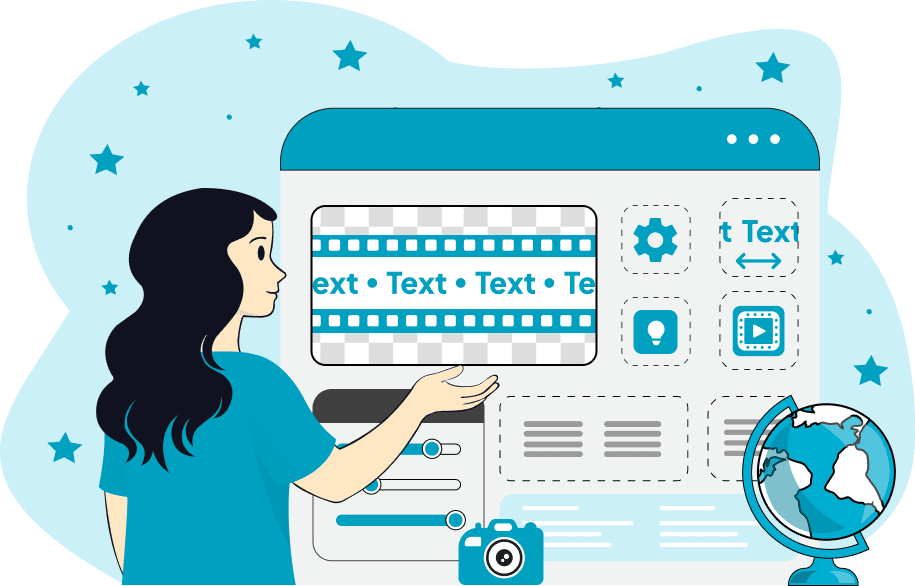
This browser-based program creates animated text tickers in GIF format. It turns one or multiple text lines into a moving GIF banner, label, marquee, or sticker. Each line you enter becomes a separate phrase that animates within the GIF. First, you can customize the appearance of the text: set the text size, line height, and spacing, choose the text color, and select a font or import a custom typeface via a URL. You can also add decorative symbols such as stars, dots, arrows, or emojis to serve as separators between scrolling phrases and customize their color and vertical offset. Next, you choose the animation style. The text can move in different directions or transform using various transition modes and effects. For example, it can scroll continuously, scroll discretely, slide like separate panels, fade, scale, pixelate, or wipe. Some effects animate the text without using direction, while others can move it from right to left, left to right, top to bottom, or bottom to top, making the tool suitable for classic LED-style tickers, vertical announcements, and social media graphics. In addition, you can apply extra visual effects such as blinking, bouncing, pulsing, waving, jittering, or glitch effects to make the text more expressive and dynamic. In the options, you can also configure canvas parameters, though it is easier to leave these fields empty so the program automatically calculates the GIF width and height based on the text size. Also, you can choose the animation background fill and even make it transparent. You can control the GIF playback speed using a numeric value, for example, 6, 3, or 1. The value can also be less than 1 (for example, 0.5 or 0.1). A higher value makes the animation faster, while a lower value makes it slower. Note that slower playback increases the total number of frames. When a large number of frames is generated, the playback FPS is also reduced (that is, the frame delay increases). Additionally, you can view useful information about the generated GIF, including the total number of frames, the total animation duration, the current frame delay, the playback FPS, and the GIF dimensions. Gifabulous!
This browser-based program creates animated text tickers in GIF format. It turns one or multiple text lines into a moving GIF banner, label, marquee, or sticker. Each line you enter becomes a separate phrase that animates within the GIF. First, you can customize the appearance of the text: set the text size, line height, and spacing, choose the text color, and select a font or import a custom typeface via a URL. You can also add decorative symbols such as stars, dots, arrows, or emojis to serve as separators between scrolling phrases and customize their color and vertical offset. Next, you choose the animation style. The text can move in different directions or transform using various transition modes and effects. For example, it can scroll continuously, scroll discretely, slide like separate panels, fade, scale, pixelate, or wipe. Some effects animate the text without using direction, while others can move it from right to left, left to right, top to bottom, or bottom to top, making the tool suitable for classic LED-style tickers, vertical announcements, and social media graphics. In addition, you can apply extra visual effects such as blinking, bouncing, pulsing, waving, jittering, or glitch effects to make the text more expressive and dynamic. In the options, you can also configure canvas parameters, though it is easier to leave these fields empty so the program automatically calculates the GIF width and height based on the text size. Also, you can choose the animation background fill and even make it transparent. You can control the GIF playback speed using a numeric value, for example, 6, 3, or 1. The value can also be less than 1 (for example, 0.5 or 0.1). A higher value makes the animation faster, while a lower value makes it slower. Note that slower playback increases the total number of frames. When a large number of frames is generated, the playback FPS is also reduced (that is, the frame delay increases). Additionally, you can view useful information about the generated GIF, including the total number of frames, the total animation duration, the current frame delay, the playback FPS, and the GIF dimensions. Gifabulous!
In this example, we create a bold fashion sale marquee. We enter two phrases into the options and scroll them from right to left. We use a 46-pixel Georgia font and add an ornamental diamond separator on a bright pink promo banner background.

In this example, we create a cyberpunk-style status ticker with three system phrases. The phrases switch with a left-to-right wipe and use a custom Google font called Press Start 2P. We add a glitch effect with double‑slash separators in neon pink to achieve a terminal console aesthetic on a black background.

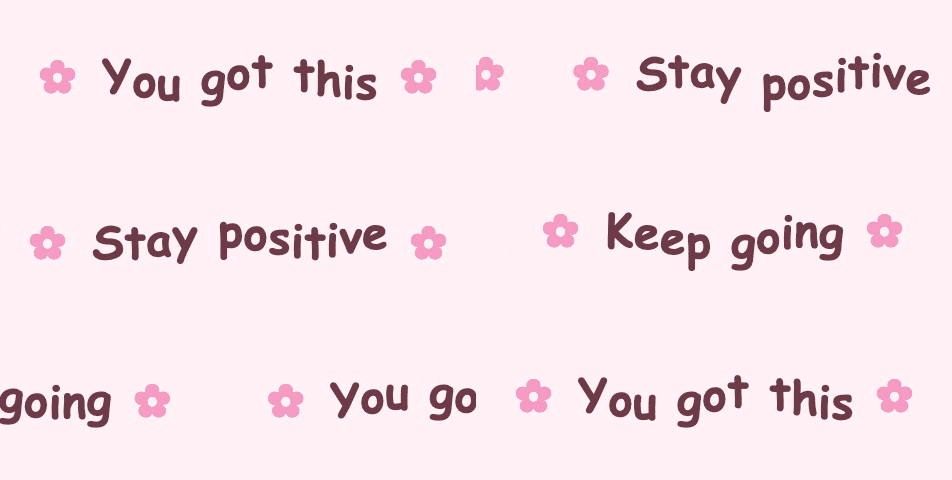
In this example, we design a soft motivational sticker for social media with three uplifting phrases. We use bold Comic Sans at 46px, slide the text from right to left, and apply a gentle wave effect. We select a pastel pink background and add florette symbols to give the text a friendly and playful mood.
This example creates a high-contrast news ticker for urgent updates. It features white bold text that moves in discrete right-to-left steps across a bright red canvas. We apply a thunder-blink effect and yellow lightning bolt separators to catch the viewer's eye.

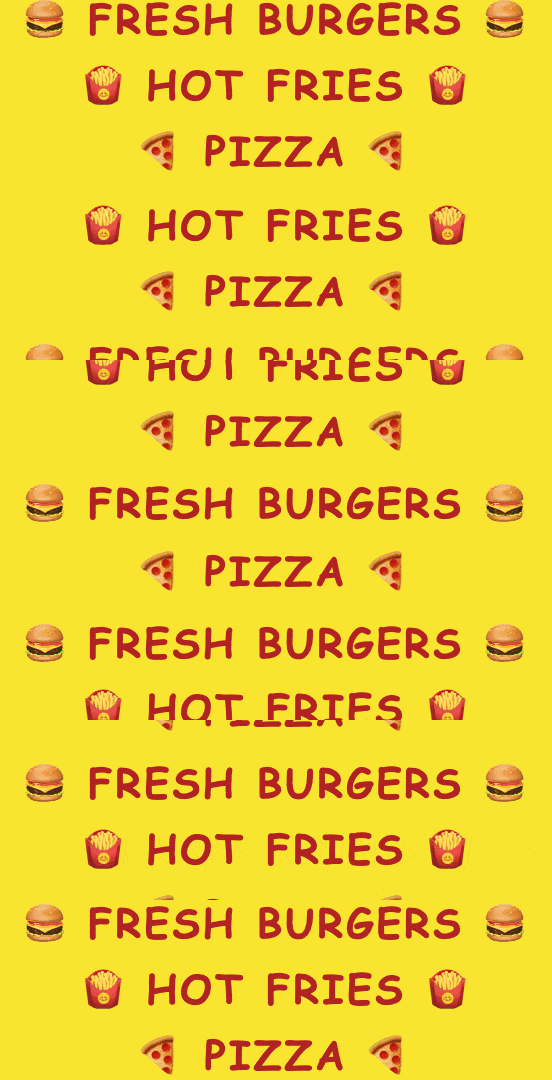
In this example, we create a vertical fast food promo banner with continuous scrolling. We do not add a decorative symbol through the option; instead, we insert various emojis directly into each line of text and move them upward without stopping. We use bold firebrick-colored text and set a warm yellow background in the style of a signboard.
This example generates a stylized music event card for club promotions. We choose a pixelation transition to swap between phrases, use a bold monospaced style with diamond symbols, and add a brightness-pulse effect over a dark blue background.

In this example, we create a spooky Halloween greeting banner. We use a purple and orange color scheme and decorate the phrases with pumpkin 🎃 emojis. We also load a custom horror-style font and add a jitter effect.

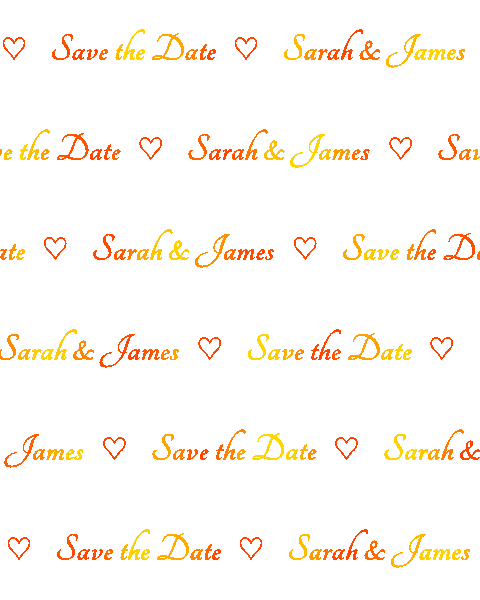
In this example, we create a romantic wedding marquee for digital invitations. We use an elegant calligraphic font that scrolls continuously from right to left, decorate the text with heart symbols, and add a gradient-shift effect in gold and orange-red tones. We also keep the GIF's background transparent so it can be overlaid on any background.
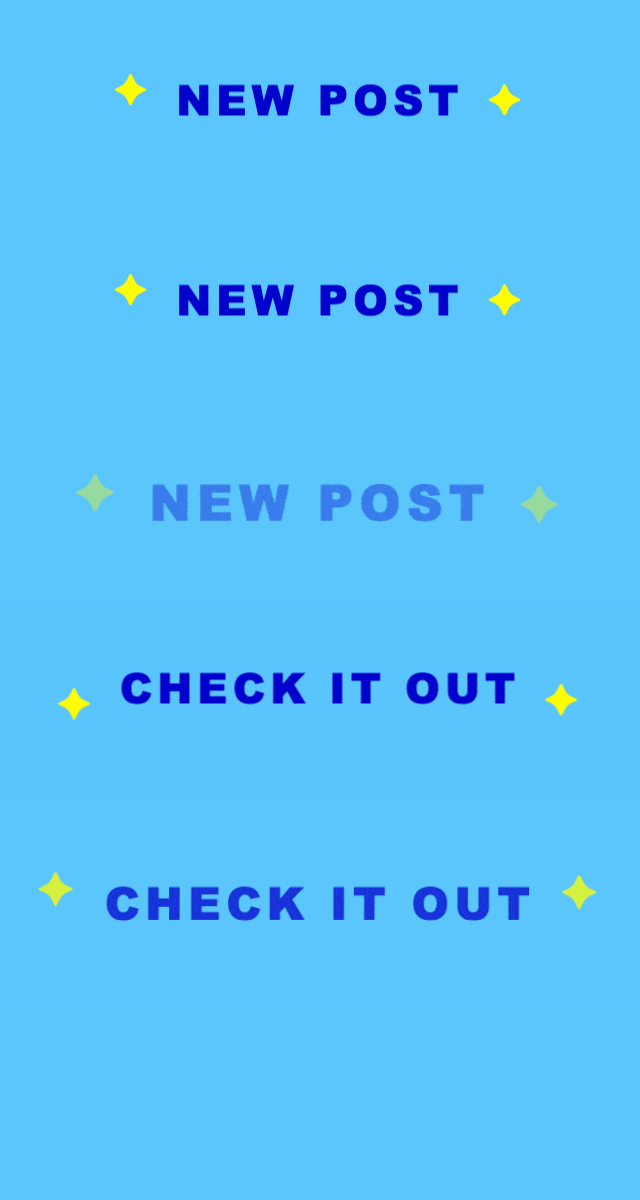
In this example, we create a bright social media sticker. We enter two phrases in the options and switch between them using a zoom transition. We slightly increase the letter spacing and decorate the phrases on both sides with yellow star symbols. We also add a bounce effect to make the animation more eye-catching.
You can pass options to this tool using their codes as query arguments and it will automatically compute output. To get the code of an option, just hover over its icon. Here's how to type it in your browser's address bar. Click to try!
Create animated GIFs in your browser.
Change the order of frames in a GIF animation.
Insert one or more frames in a GIF animation.
Decrease the size of a GIF.
Add an audio track to a GIF.
Cross-fade a GIF frame by frame.
Cross-fade two GIF animations.
Smoothly transform one GIF into another GIF.
Change the delay between all GIF frames to the same value.
Change the framerate of a GIF.
Increase the width and height of a GIF.
Decrease the width and height of a GIF.
Create a chess game animation from a PGN file.
Create a go game animation from a SGF file.
Create a draughts/checkers game animation from a PDN file.
Generate a GIF animation of winning a Solitaire game.
Create a GIF animation of Game of Life.
Base64-encode a GIF.
Base64-decode a GIF.
Base58-encode a GIF.
Base58-decode a GIF.
Convert a sequential GIF to progressive GIF.
Convert a progressive GIF to a sequential GIF.
Convert an animated PNG to an animated GIF.
Convert an animated GIF to an animated PNG.
Convert an animated PNG to an animated GIF.
Convert a GIF animation to an AV1 animation (AVIF).
Convert an AV1 animation (AVIF) to a GIF animation.
Convert a GIF animation to a HEIF animation.
Convert a HEIF animation to a GIF animation.
Export a GIF animation to a BPG animation.
Convert an animated BPG to an animated GIF.
Convert a GIF animation to an AVI video.
Convert an AVI video to a GIF animation.
Convert a GIF animation to a WMV video.
Convert a WMV video to a GIF animation.
Convert a GIF animation to an MP4 video.
Convert an MP4 video to a GIF animation.
Convert a GIF animation to an MKV video.
Convert an MKV video to a GIF animation.
Convert a GIF animation to a MOV video.
Convert a MOV video to a GIF animation.
Convert a GIF animation to GIF video (GIFV).
Convert a GIF video (GIFV) to a GIF animation.
Create a Data URI from a GIF animation.
Reconstruct a GIF from a Data URI.
Draw one or more GIF frames as ASCII art.
Create an animation from multiple ASCII art drawings.
Draw one or more GIF frames as ANSI art.
Create an animation from multiple ANSI art drawings.
Draw one or more GIF frames using Unicode glyphs.
Create a GIF from multiple Unicode drawings.
Draw one or more GIF frames using Braille characters.
Create a GIF animation from Braille characters.
Replace one color in a GIF with another.
Convert all colors in a GIF to just two black and white.
Find the color palette used in a GIF.
Find the color index used in a GIF.
Randomly change the color indexes of a GIF.
Create a GIF with more than 256 colors.
Convert a 256-color GIF to a 2-color GIF.
Convert a non-dithered GIF to a dithered GIF.
Merge dithered pixels and create a non-dithered GIF.
Change the delay interval between individual GIF frames.
Split a GIF into two or more GIFs.
Join two or more GIFs into a single GIF.
Shift GIF frames to the right or to the left.
Hide the selected area in a GIF by drawing a block over it.
Extract a part (a range of frames) from a GIF.
Create multiple GIF copies side-by-side.
Create multiple copies of individual GIF frames.
Skew a GIF animation by an angle.
Reverse a skew in a GIF animation.
Create a pixel whirl of any radius in a GIF.
Create a GIF that animates white noise.
Make a GIF animation go so slow that it appears almost static.
Remove a watermark from a GIF animation.
Extract all GIF frames in a folder and zip it up.
Add a hidden comment in GIF's metainfo section.
Clear all metainfo from a GIF.
Animate multiple GIFs at the same time side-by-side.
Add an animation effect to a message.
Layer two GIFs and put one GIF on top of another GIF.
Overlay an animated GIF on any image or photo.
Overlay any image or photo on an animated GIF.
Quickly change the playback length of a GIF.
Convert any image to a GIF that emulates slow Internet speed.
Create a GIF animation of a loading spinner.
Let Zalgo destroy a GIF animation.
Subscribe to our updates. We'll let you know when we release new tools and features, and when we organize online workshops.
Enter your email here
We're Browserling — a friendly and fun cross-browser testing company powered by alien technology. At Browserling we love to make peoples' lives easier, so we created this collection of online GIF tools. Our tools are enjoyed by millions of casual users every month as our easy-to-use user interface doesn't require advanced computer skills. Behind the scenes, our GIF tools are actually powered by our web developer tools that we created over the last couple of years. Check them out!