This online utility lets you remove the chroma-key color from static or animated GIFs. You can turn green screens, blue screens, or other keyed backgrounds into transparent areas, and adjust the color tolerance percentage to expand the range of removed shades. You can also preview the transparency effect across all frames, and loop or pause the GIF animation. Created by GIF experts from team Browserling.
This online utility lets you remove the chroma-key color from static or animated GIFs. You can turn green screens, blue screens, or other keyed backgrounds into transparent areas, and adjust the color tolerance percentage to expand the range of removed shades. You can also preview the transparency effect across all frames, and loop or pause the GIF animation. Created by GIF experts from team Browserling.
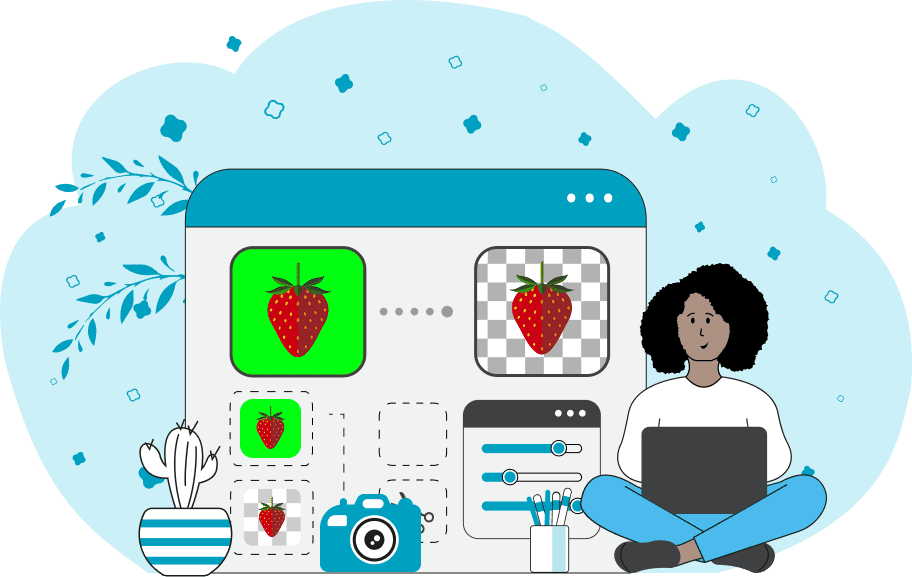
This is a browser-based program that removes a chroma key from any GIF, turning a selected color range (usually green or blue) into transparent areas. This allows you to isolate characters, objects, or elements from their background, making it easy to create overlays, stickers, or composite animations. Chroma key, or color key, is a technique that makes a single color transparent, letting you combine different layers of images or videos. For GIFs, this results in a transparent background, ideal for use in social media or video projects. In the tool's options, you can adjust both the color identification and the removal of the chroma key. The "Chroma Key Color" option lets you select the exact hue for removal (e.g., green, blue, or even white). The "Color-key Tolerance" (range 0% to 100%) determines the tool's sensitivity to shades surrounding the chosen chroma key color. The higher the percentage, the more similar shades will be included in the transparency zone. The "Alpha Mask Preview" checkbox allows you to view the alpha channel (transparency channel) as a binary black-and-white mask. This is a standard mask where white areas show the opaque (visible) parts of the GIF, and black areas show the keyed-out (transparent) regions. Animation playback options allow you to play multi-frame GIFs and observe the transparency effect on all frames, as well as stop the animation on a selected frame for detailed analysis of the chroma keying results. Gifabulous!
This is a browser-based program that removes a chroma key from any GIF, turning a selected color range (usually green or blue) into transparent areas. This allows you to isolate characters, objects, or elements from their background, making it easy to create overlays, stickers, or composite animations. Chroma key, or color key, is a technique that makes a single color transparent, letting you combine different layers of images or videos. For GIFs, this results in a transparent background, ideal for use in social media or video projects. In the tool's options, you can adjust both the color identification and the removal of the chroma key. The "Chroma Key Color" option lets you select the exact hue for removal (e.g., green, blue, or even white). The "Color-key Tolerance" (range 0% to 100%) determines the tool's sensitivity to shades surrounding the chosen chroma key color. The higher the percentage, the more similar shades will be included in the transparency zone. The "Alpha Mask Preview" checkbox allows you to view the alpha channel (transparency channel) as a binary black-and-white mask. This is a standard mask where white areas show the opaque (visible) parts of the GIF, and black areas show the keyed-out (transparent) regions. Animation playback options allow you to play multi-frame GIFs and observe the transparency effect on all frames, as well as stop the animation on a selected frame for detailed analysis of the chroma keying results. Gifabulous!
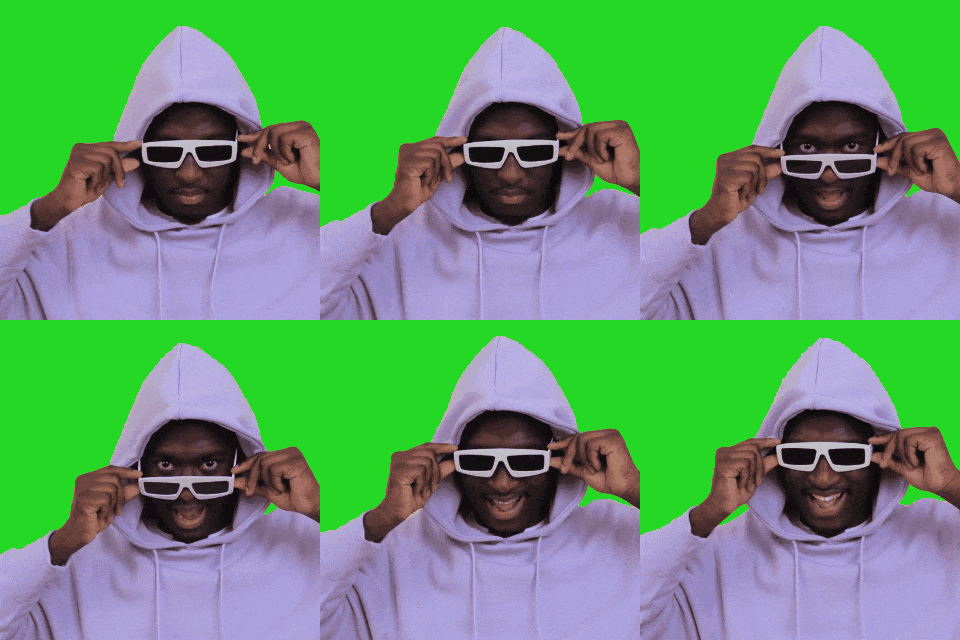
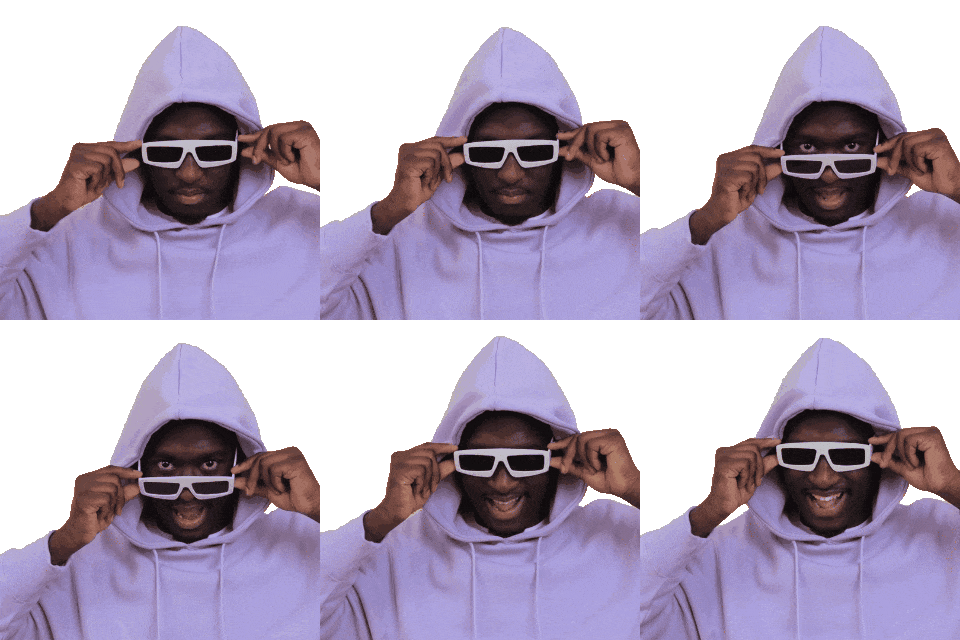
In this example, we load a popular reaction-style GIF featuring a man smiling in sunglasses. The original animation was intentionally created on a green-screen background so it could later be turned transparent and used as an animated sticker. We apply the chroma-key color set to #2AD51C and use a 40% tolerance to fully remove the different shades of green behind the subject. (Source: Pexels.)
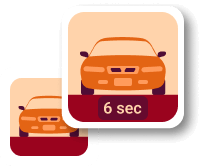
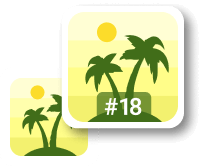
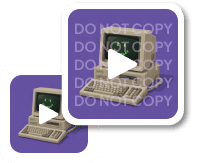
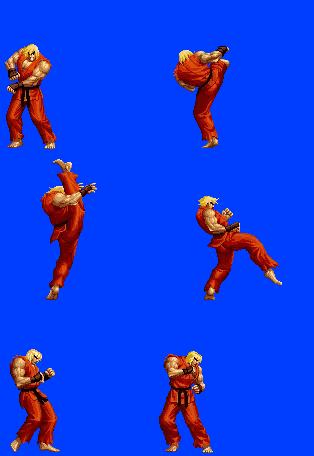
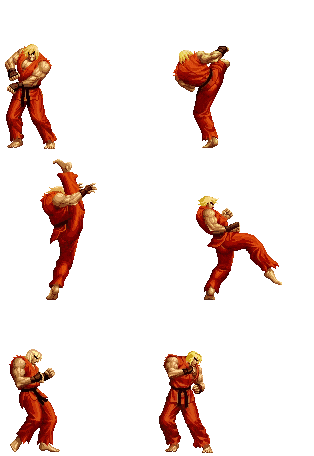
This example demonstrates a GIF sprite of Ken Masters from the Street Fighter series, created with a blue chroma key background. Many classic and retro game sprites were produced this way because older graphic formats did not support real transparency, so the blue or green screen served as a fake transparency placeholder. We select the chroma key color rgb(0, 26, 254) with a 30% tolerance and remove the background while preserving every pixel art detail. (Source: Capcom.)
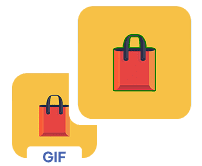
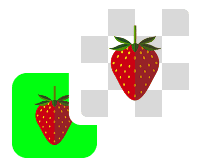
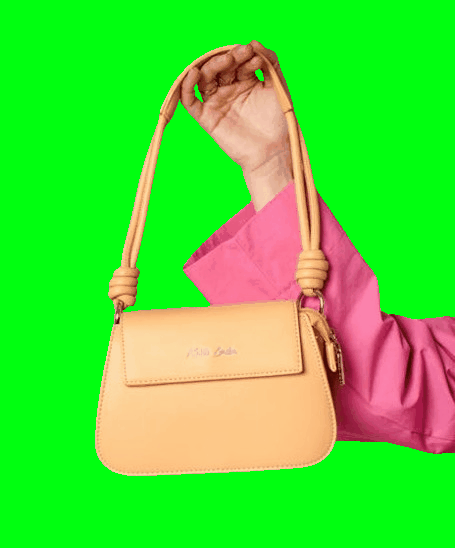
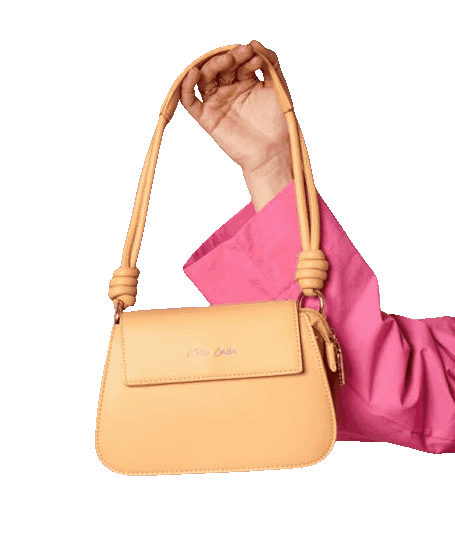
In this example, we upload a static GIF featuring a new collection handbag. The photo was originally taken against a green chroma key background so it could be reused across ads, banners, and other promotional visuals. We remove the green chroma key color and produce a transparent GIF that can be placed onto any layout, surface, or scene. (Source: Pexels.)
Create animated GIFs in your browser.
Change the order of frames in a GIF animation.
Insert one or more frames in a GIF animation.
Decrease the size of a GIF.
Add an audio track to a GIF.
Cross-fade a GIF frame by frame.
Cross-fade two GIF animations.
Smoothly transform one GIF into another GIF.
Change the delay between all GIF frames to the same value.
Change the framerate of a GIF.
Increase the width and height of a GIF.
Decrease the width and height of a GIF.
Create a chess game animation from a PGN file.
Create a go game animation from a SGF file.
Create a draughts/checkers game animation from a PDN file.
Generate a GIF animation of winning a Solitaire game.
Create a GIF animation of Game of Life.
Base64-encode a GIF.
Base64-decode a GIF.
Base58-encode a GIF.
Base58-decode a GIF.
Convert a sequential GIF to progressive GIF.
Convert a progressive GIF to a sequential GIF.
Convert an animated PNG to an animated GIF.
Convert an animated GIF to an animated PNG.
Convert an animated PNG to an animated GIF.
Convert a GIF animation to an AV1 animation (AVIF).
Convert an AV1 animation (AVIF) to a GIF animation.
Convert a GIF animation to a HEIF animation.
Convert a HEIF animation to a GIF animation.
Export a GIF animation to a BPG animation.
Convert an animated BPG to an animated GIF.
Convert a GIF animation to an AVI video.
Convert an AVI video to a GIF animation.
Convert a GIF animation to a WMV video.
Convert a WMV video to a GIF animation.
Convert a GIF animation to an MP4 video.
Convert an MP4 video to a GIF animation.
Convert a GIF animation to an MKV video.
Convert an MKV video to a GIF animation.
Convert a GIF animation to a MOV video.
Convert a MOV video to a GIF animation.
Convert a GIF animation to GIF video (GIFV).
Convert a GIF video (GIFV) to a GIF animation.
Create a Data URI from a GIF animation.
Reconstruct a GIF from a Data URI.
Draw one or more GIF frames as ASCII art.
Create an animation from multiple ASCII art drawings.
Draw one or more GIF frames as ANSI art.
Create an animation from multiple ANSI art drawings.
Draw one or more GIF frames using Unicode glyphs.
Create a GIF from multiple Unicode drawings.
Draw one or more GIF frames using Braille characters.
Create a GIF animation from Braille characters.
Replace one color in a GIF with another.
Convert all colors in a GIF to just two black and white.
Find the color palette used in a GIF.
Find the color index used in a GIF.
Randomly change the color indexes of a GIF.
Create a GIF with more than 256 colors.
Convert a 256-color GIF to a 2-color GIF.
Convert a non-dithered GIF to a dithered GIF.
Merge dithered pixels and create a non-dithered GIF.
Change the delay interval between individual GIF frames.
Split a GIF into two or more GIFs.
Join two or more GIFs into a single GIF.
Shift GIF frames to the right or to the left.
Hide the selected area in a GIF by drawing a block over it.
Extract a part (a range of frames) from a GIF.
Create multiple GIF copies side-by-side.
Create multiple copies of individual GIF frames.
Skew a GIF animation by an angle.
Reverse a skew in a GIF animation.
Create a pixel whirl of any radius in a GIF.
Create a GIF that animates white noise.
Make a GIF animation go so slow that it appears almost static.
Remove a watermark from a GIF animation.
Extract all GIF frames in a folder and zip it up.
Add a hidden comment in GIF's metainfo section.
Clear all metainfo from a GIF.
Animate multiple GIFs at the same time side-by-side.
Add an animation effect to a message.
Layer two GIFs and put one GIF on top of another GIF.
Overlay an animated GIF on any image or photo.
Overlay any image or photo on an animated GIF.
Quickly change the playback length of a GIF.
Convert any image to a GIF that emulates slow Internet speed.
Create a GIF animation of a loading spinner.
Let Zalgo destroy a GIF animation.
Subscribe to our updates. We'll let you know when we release new tools and features, and when we organize online workshops.
Enter your email here
We're Browserling — a friendly and fun cross-browser testing company powered by alien technology. At Browserling we love to make peoples' lives easier, so we created this collection of online GIF tools. Our tools are enjoyed by millions of casual users every month as our easy-to-use user interface doesn't require advanced computer skills. Behind the scenes, our GIF tools are actually powered by our web developer tools that we created over the last couple of years. Check them out!